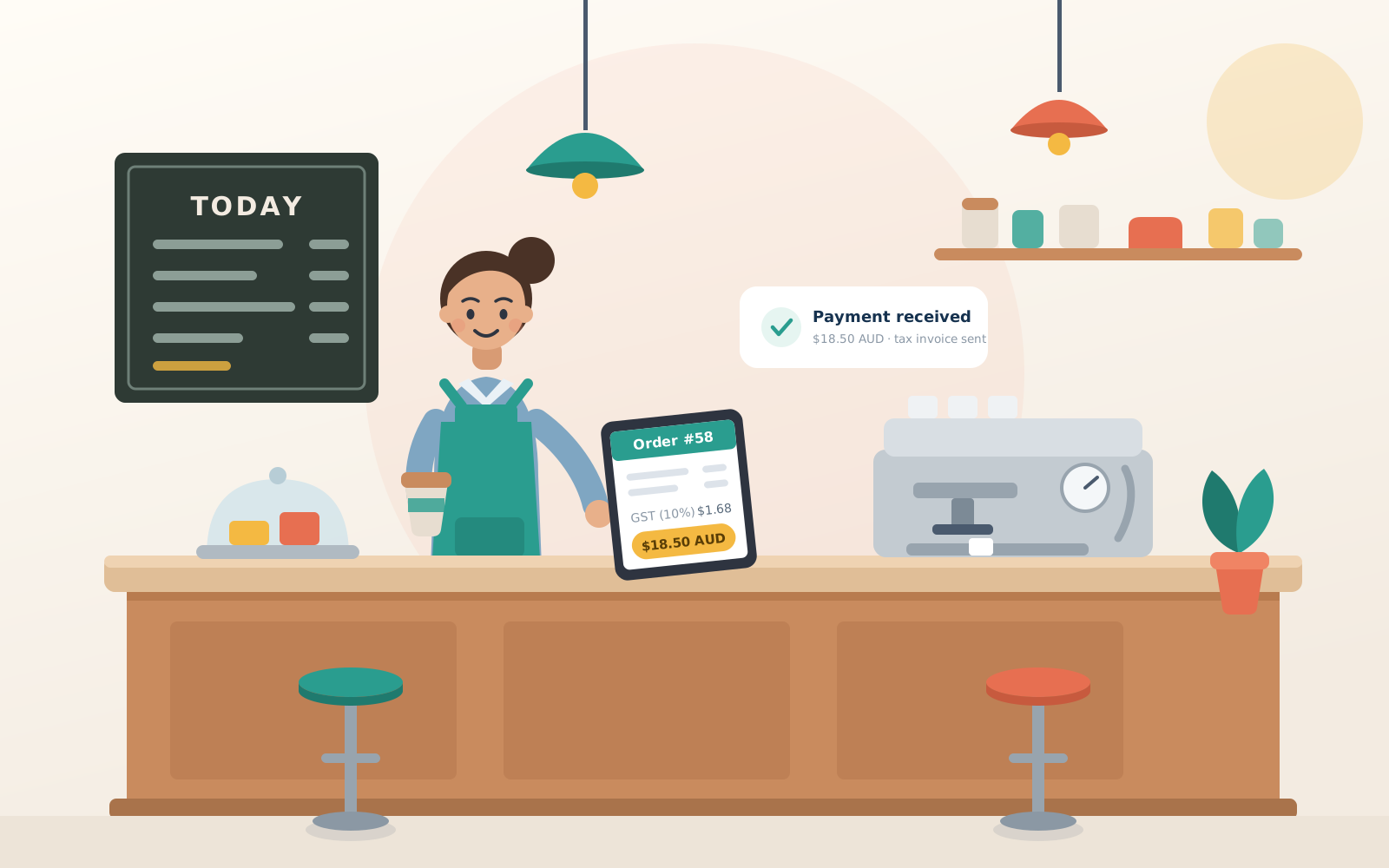
Professional tax invoices, without the subscription
Payo is a simple invoicing app built for Australian small business —
GST, ABN and ACN done properly, polished PDF invoices, one-click emailing
and payment tracking. The things subscription services charge monthly
for, free.
Australian made · GST & ABN done right · your data stays on this server
Finish the job. The invoice is already done.
Save your services and prices once, and on site an invoice is three taps —
pick the customer, add the job, send. The PDF is in their inbox before the
ladder's back on the roof.
Everything invoicing needs — nothing it doesn't
Professional PDFs Polished A4 tax invoices with automatic page breaks for long jobs — every one stamped with your logo, details and payment terms.
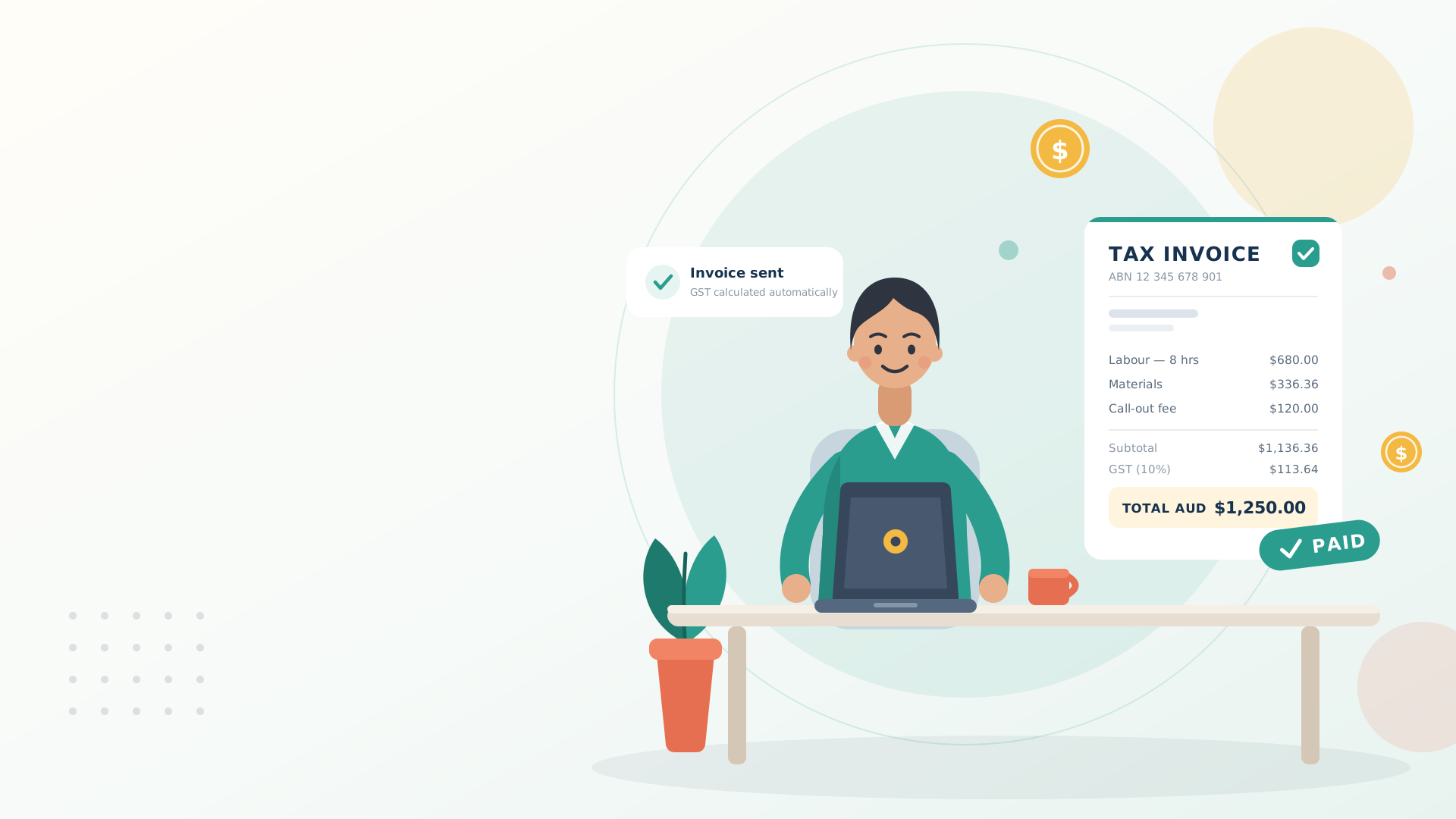
GST made simple One switch adds 10% and the totals come out right. ABN, ACN and trade licence printed properly.
Email & track Send the PDF straight from the app, then watch it move: draft, sent, paid — and red when it's overdue.
Customers & price list, saved Add a customer or a service once, bill them forever. No retyping.
Smart numbering & cloning Numbers continue automatically, and repeat jobs are one tap: clone a previous invoice, dated today, ready to send.
Works like an app on your phone Add it to your home screen and send invoices from the job site.
Know who owes you, at a glance
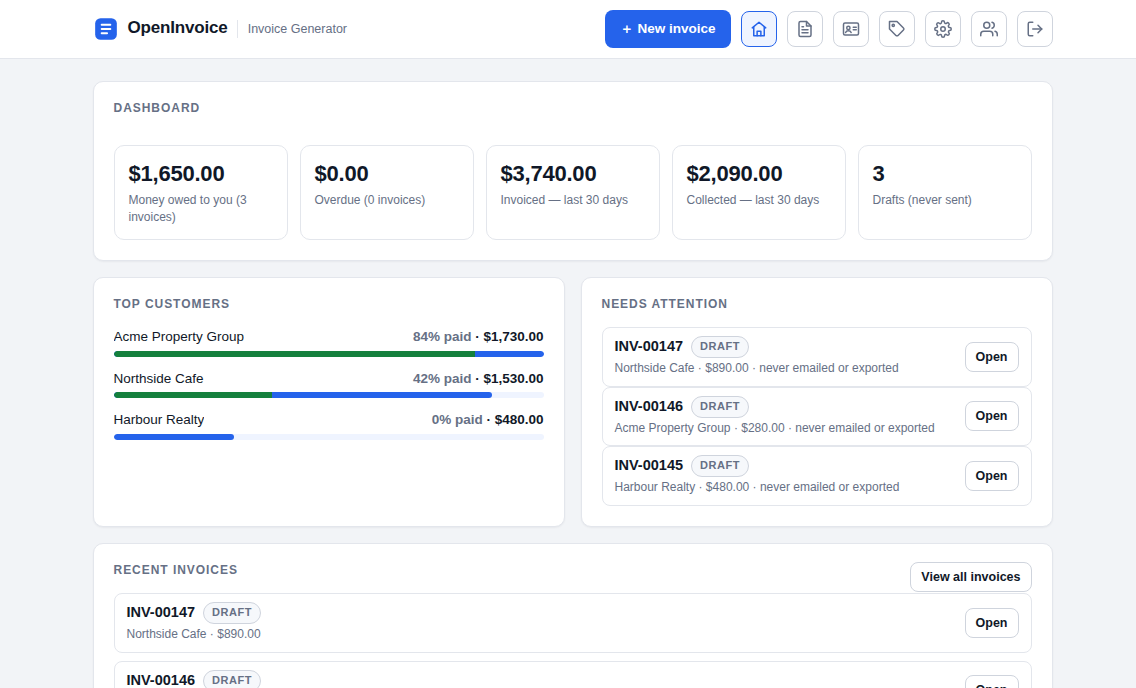
Money owed, overdue, collected this month — and every customer's paid
percentage on one screen. When a sent invoice passes its due date it turns
red by itself, so the follow-up call happens on time.
As simple as 1‑2‑3
1Add your business details
Your name, ABN and logo — a friendly two-minute setup walks you through it.
2Add your customers
Save them once, like contacts in your phone — bill them forever.
3Create & send your invoice
Pick the customer, add your items — email it straight out or download the PDF.
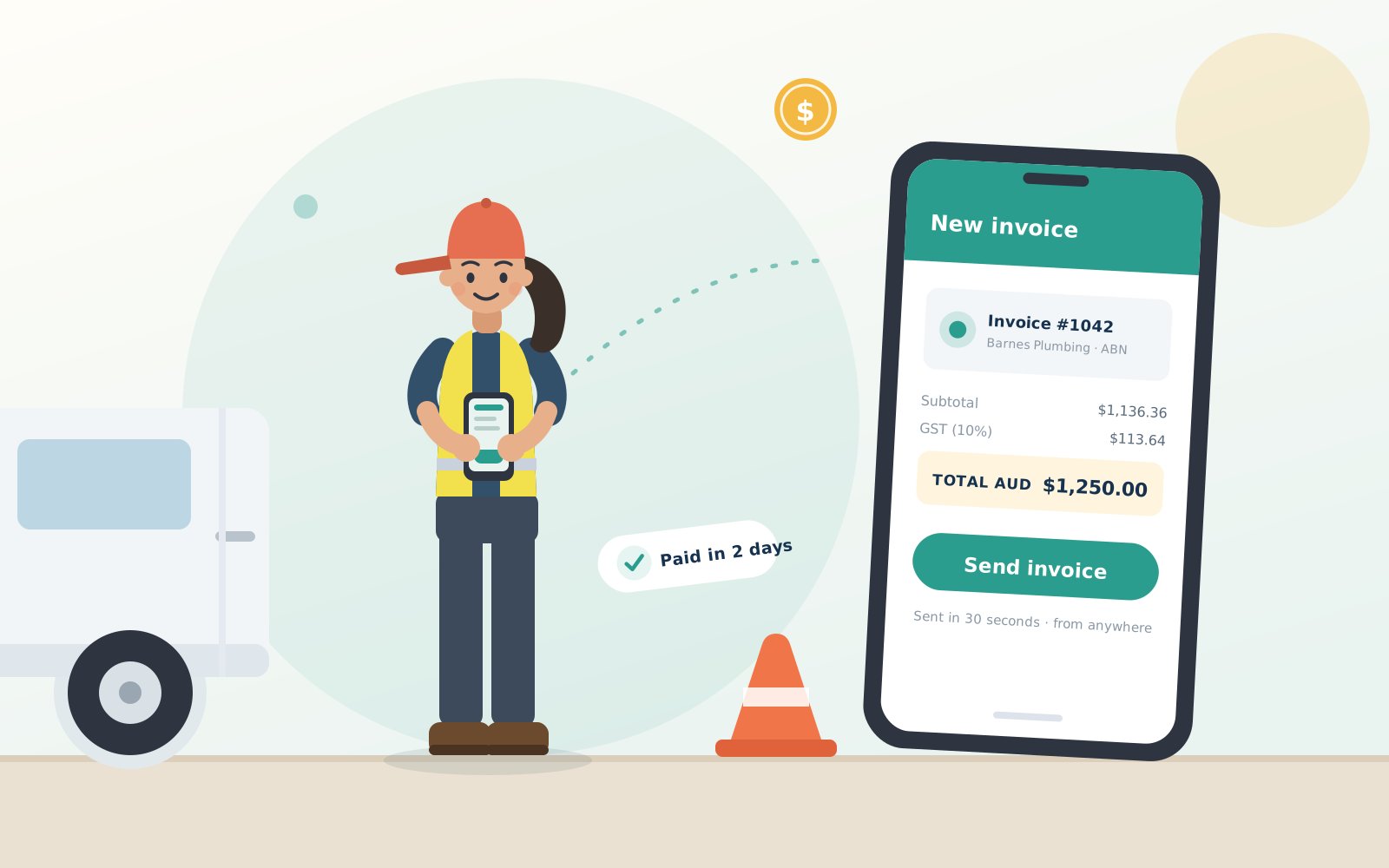
Send it before you're back in the van
Payo works like an app on your phone — add it to your home screen
and invoice from the job site, the counter or the couch. GST is calculated
automatically, and marking it paid is one tap.
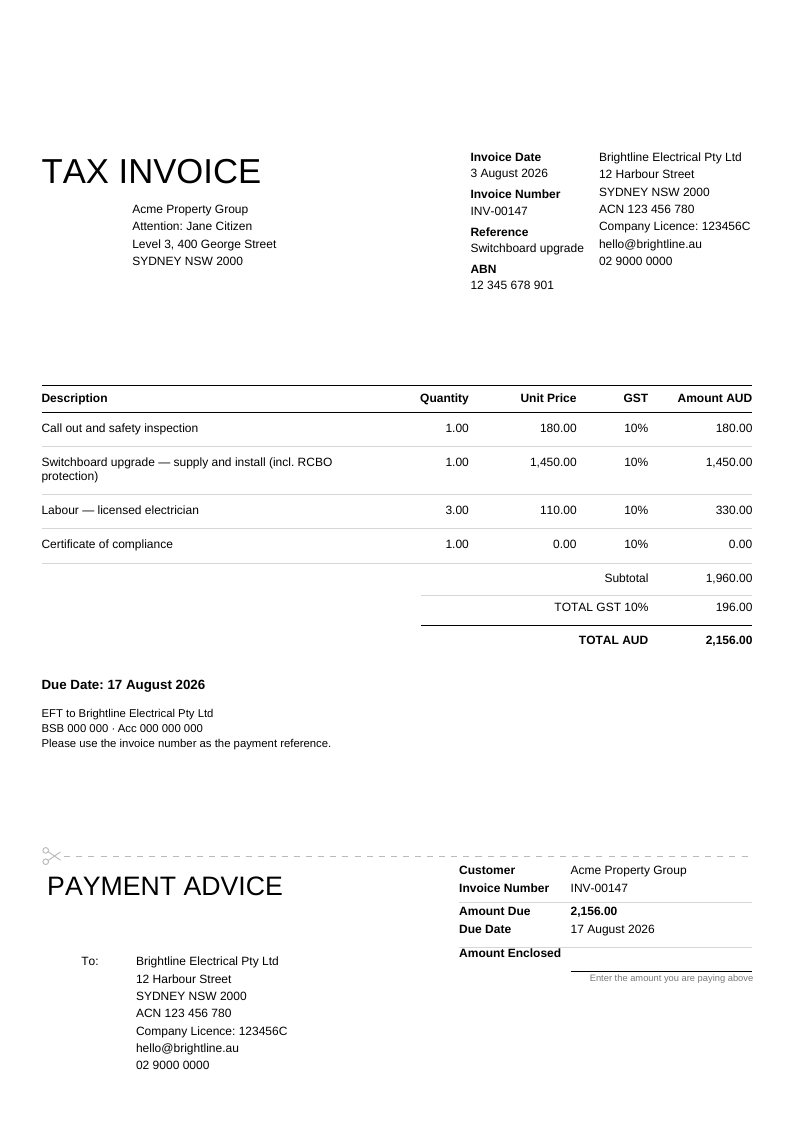
Invoices that look like they came from an accountant
The same clean layout the big accounting packages print — TAX INVOICE header,
GST column, bottom-right totals and a tear-off payment advice slip
your customers actually understand.
Long job write-ups flow onto extra pages automatically, and every invoice you
send is stored here — reopen it, re-send it, or tick it off as paid from your phone.
Made for small business — and nothing else
Payo does one job properly: invoices. It doesn't track
expenses, run payroll or reconcile bank feeds — if you need full accounting, the big
subscription packages do that well. If you just need to bill your customers and
get paid, this does it without the monthly fee.
A simple alternative to subscription invoicing services — free, no time limit
Built for sole traders, tradies, cafes and small teams
Send from your phone on site or your desktop in the office
Your invoices live on this server — not scattered across someone else's cloud
Ready to send your first invoice?
Free accounts include fair-use sending limits set by this server's admin.
Payo
Dashboard
No invoices yet — hit + New invoice
and your numbers will start filling in here.
Top customers
Needs attention
Recent invoices
Editing another user’s invoice.
Invoice details
Bill to
Customer (required)
Who the invoice bills
Invoices are always billed to a saved customer — their name,
“Attention:” contact and full address print on the PDF under
“TAX INVOICE”. Keep regulars on the Customers screen and they fill
in with one tap.
Need someone new?
.
Line items
Reorder
Description
Quantity
Unit Price
Amount AUD
Remove
Should GST be on?
If your business is registered for GST you generally must charge 10% GST on
taxable sales and give the customer a tax invoice. The ATO requires
registration once your GST turnover reaches $75,000
($150,000 for non-profits), or from the first dollar for taxi and
ride-sourcing drivers — below those thresholds it’s optional.
Not registered? Leave this off: you must not charge GST.
ATO — Registering for GST ↗General information only — confirm with the ATO or your accountant.
Subtotal$0.00
TOTAL GST 10%$0.00
TOTAL AUD$0.00
Your invoices
Nothing here yet — invoices are saved automatically while you edit them.
Number
Invoice date
Client
Reference
Total AUD
Paid
Actions
Open an invoice to edit it and re-export, or download its PDF straight from the list.
The client block is stored inside each saved invoice; keep regulars on the Customers screen (contact-card icon) to fill it in one tap.
Editing ’s saved items — changes apply to their account.
Saved items & services
Your price list. Add each service or product once — then drop it straight onto an
invoice with ☆ Add saved item, no retyping. You can also save any
line from the invoice editor with its ☆ button. Price changes apply to future
invoices only.
Editing ’s saved customers — changes apply to their account.
Saved customers
New customer
The address fields build the client block printed on invoices.
Email and phone never print — they power the Call button and
the pre-filled address when you email an invoice.
Editing ’s company details — changes apply to their account.
Settings
Your company
Company licence (optional)
A trade or industry licence number (plumbing, electrical, building…).
Printed as “Company Licence: …” under your company details — left off when blank.
Logo (optional — printed top right of the PDF at up to 40 × 22 mm)
Any image up to 10MB — it's resized in your browser to max 600px and stored as
PNG/JPEG. For crisp printing supply roughly 600 × 330 px
(≈300 DPI at the printed size); a PNG with a transparent background looks best.
Invoice defaults
GSTShould GST be on?
If your business is registered for GST you generally must charge 10% GST on
taxable sales and give the customer a tax invoice. The ATO requires
registration once your GST turnover reaches $75,000
($150,000 for non-profits), or from the first dollar for taxi and
ride-sourcing drivers — below those thresholds it’s optional.
Not registered? Leave this off: you must not charge GST.
ATO — Registering for GST ↗General information only — confirm with the ATO or your accountant.
Payment terms
Appearance
Saved in this browser — each device remembers its own choice.
The exported PDF is always the light, print-ready document.
Account
Signed in as
Admin
Administration
Only administrators can see this screen.
Users
Each user has their own company details, logo, invoice numbering and
invoice history.
Limits & robot blocking
0 means no limit. Changes apply immediately to everyone —
the Paid badge on a user decides which column applies to them.
Analytics
Optional Google Analytics. Paste your GA4 Measurement ID
(in analytics.google.com
under Admin → Data streams) and visits to this app are counted in your Google
Analytics — page views only, never invoice or customer data. Leave blank to keep
analytics off.
Activity log
The latest actions across every account — sign-ins, password changes,
new accounts, invoices created, customers added and invoices emailed. The most
recent 500 are kept; it travels with backups.
All invoices
Every user's saved invoices. Filter by user or search by number and client;
Open loads the invoice in the editor (edits save to that user's account).
All customers
Every user's saved customers, with the same filters.
Email service
Sends a test message to your own address using the SMTP settings from
docker-compose.yml — if it arrives, sign-in codes will too.
Backup
One file with every account (passwords stay hashed), all settings, logos and
saved invoices. Keep it somewhere safe — to restore, stop the container, copy
the file to data/openinvoice-users.json and start it again.
Welcome to Payo! 👋
Step 1 of 4
Let’s get you invoice-ready in about two minutes.
Only your business name is required — everything else is optional,
skippable, and changeable later in Settings.
Your first customer 🧑🤝🧑
Start with someone you know — your partner, a mate, a
family member. Send them a practice invoice to see how everything works, then
delete them later (no hard feelings). Only the name is needed to save them.
Give your customer a name (or clear the other fields to skip this step).
What’s your hourly rate? ⏱️
We’ll save it in your Services list so every new invoice
is two clicks from done. Keep it simple for now — you can add fancier services any
time on the Services screen. Leave the rate blank to skip.
You’re all set! 🎉
Here’s your tour in ten seconds — everything lives one
click away in the top bar:
Home — your money at a glance: what’s owed, what’s overdue, your top customers.
Invoices — every invoice in one list. Filter, sort, and tick them off as paid.
Customers — your address book. Add someone once, bill them forever.
Services — your reusable line items, so you never retype a rate.
Settings — business details, logo, payment terms… everything you just set up.
Ready? Your first invoice is the fun part.
Email this invoice
Check the preview — exactly this invoice is sent as a PDF attachment
from the server's no-reply address, with replies going to your email.
The free version can email 2 invoices per day.